

Keep the ideas coming.
Monthly plans give you a recurring credit allowance for images and videos.
- Credits added each billing period
- Choose your image and video models
- Manage your subscription in your account
 imageny
Your AI image & video studio
Imageny is an AI image and video studio — turn the idea in your head into an image, a scene, a story. Create and edit with leading AI models, all in one place.
Start creatingFree account. Choose a plan or credits to generate.From what if to here it is
Start with a prompt. Refine the details. Give your story its next frame.
Describe what you see in your mind. Choose a model and style, then explore different directions until it feels like you.
Make it yours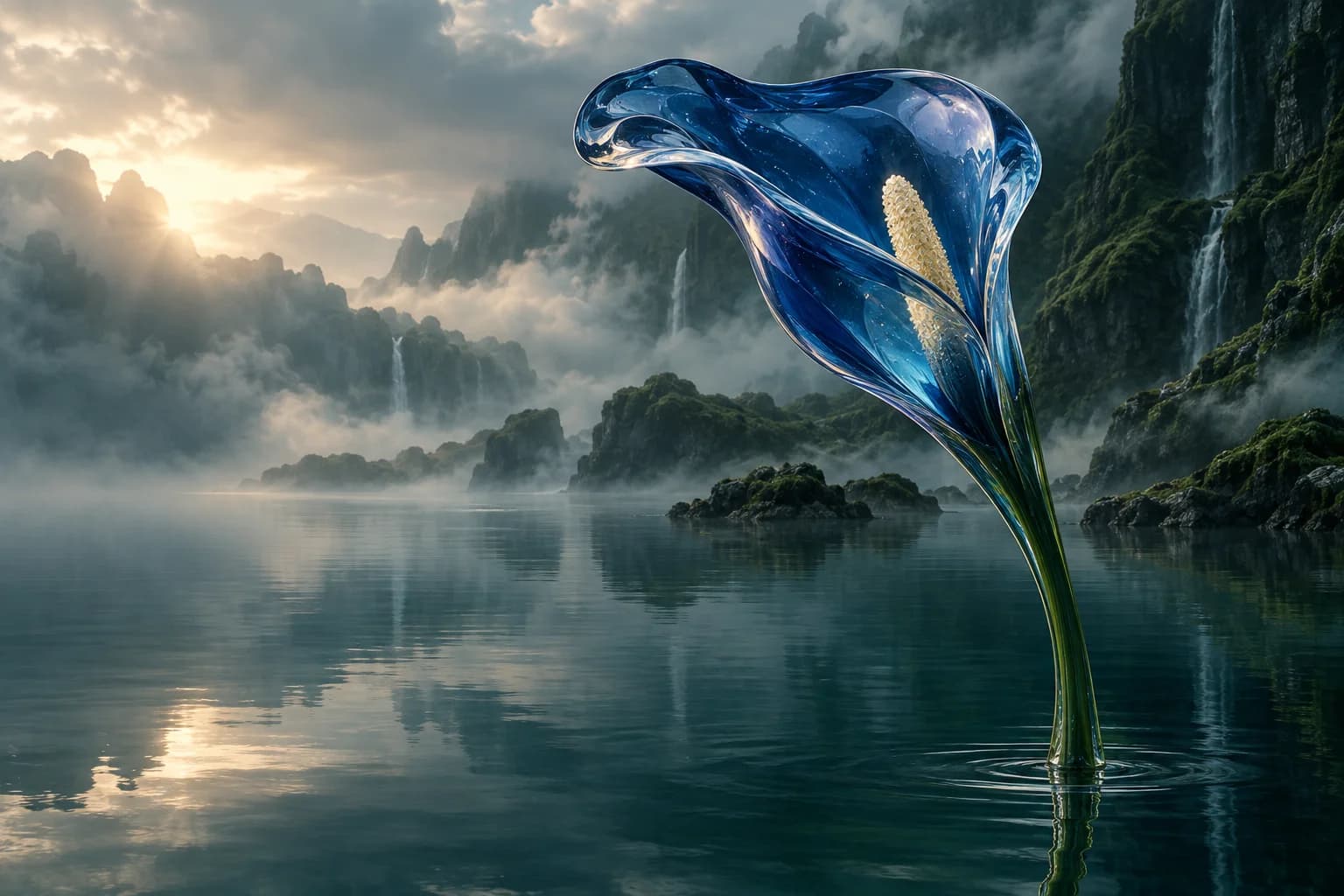
A blue glass flower, a still lake, the first light of morning.
No single style. Just yours.
Original AI artwork created for this page. Visual inspiration; results vary by model and prompt.
Less setup. More making.
Create your free account. Your images, videos and collections live together.
Subscribe for monthly credits or buy a pack for your next project.
Pick a model, add your prompt, and see the credit cost before you generate.
Room for your next big idea
A monthly rhythm or a one-off project. Choose the way you want to create.
Creating an account is free. Image and video generation use credits. See plans and credit packs ↗
Creating an account and exploring Imageny is free. New accounts start without generation credits. Choose a subscription or buy a credit pack when you’re ready to create images or videos.
The playground brings together image models including GPT Image, Gemini, Seedream and Grok, plus video options including Kling and Veo. The model selector shows the current catalog and the settings each model supports.
The cost depends on the model and the settings you choose, such as image size, quality, or video duration. The playground shows the credit cost before you generate, so you can choose what works for your project.
Yes. Start from a reference image or a text prompt, then select a video model and describe the movement you want. Available durations, resolutions and reference options depend on the model.
No. You can buy a one-time credit pack instead. If you choose a monthly subscription, you can manage it and cancel renewal from your account.
Free account. Choose a plan or credits to generate.
Monthly plans give you a recurring credit allowance for images and videos.
Buy credits when inspiration strikes, without starting a subscription.