
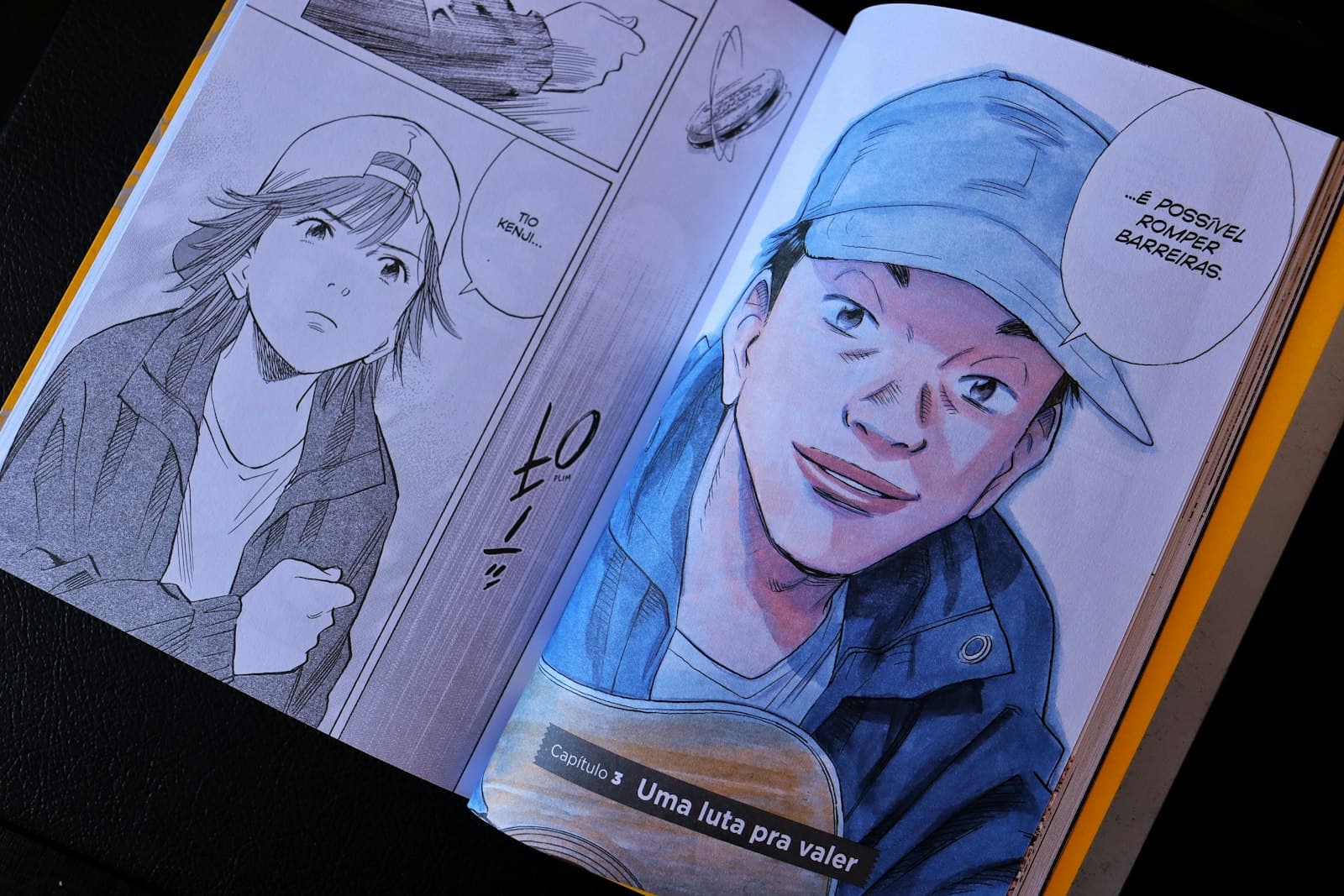
You have a story. What you don't have is three years of figure-drawing practice, a G-pen, and the patience to hand-screentone forty pages. That gap — between the manga in your head and the skill to draw it — is exactly what AI generation closes. Not by drawing the whole book for you, but by producing individual panels good enough that your job shrinks to writing, directing, and assembling.
This guide walks through the process panel by panel, using Imageny's image generator. If you want to see what the style looks like first, the manga style page has examples.
What does an AI manga prompt look like?
Manga is a specific visual language, and the model needs to hear you speak it. A generic "anime" prompt produces color, soft shading, and painterly light — everything a manga panel is not. Anchor every prompt with the medium first:
black and white manga panel, screentone shading, clean ink lineart, [your scene]
Those three phrases do distinct jobs. "Black and white manga panel" sets the medium. "Screentone shading" gets you the dot-pattern grays that make a page read as manga rather than a grayscale photo. "Clean ink lineart" keeps edges crisp instead of sketchy. Then describe the scene the way a script would:
black and white manga panel, screentone shading, clean ink lineart, a tired swordsman resting under a torii gate, rain, low angle, dramatic shadows
Speed lines, impact frames, and heavy blacks are all promptable too — add speed lines background for action beats or heavy black shadows, high contrast for a dramatic reveal. For the general anatomy of a strong prompt, our prompt-writing guide applies here with the manga anchors bolted on.
How do you keep the same character in every panel?
This is the problem that makes or breaks AI manga, because a reader forgives a wobbly background but not a protagonist whose face changes between panels. Two habits keep a character stable:
Write a fixed character block and never paraphrase it. Decide the description once — a lean silver-haired swordsman with a scar over his left eye, dark kimono — and paste it verbatim into every panel prompt. Rewriting it from memory ("gray-haired warrior") is how drift starts.
Lean on distinctive, repeatable features. A scar, an eyepatch, a distinctive haircut, one signature accessory. Models reproduce a few bold markers far more reliably than a subtle overall likeness. This is the same principle covered in depth in our character consistency guide, which is worth reading before you start a multi-page project.
Generate all panels for one scene in a single session, keeping everything constant except the action and camera direction. The less you change, the less the model invents.
How do you go from panels to a page?
Generate panels individually, then assemble the page in any layout tool — Canva, Photoshop, or the free manga tool Clip Studio Paint clone of your choice. This sounds like a compromise; it's actually the correct division of labor. Panel composition inside a single image is something models handle well. Page layout — the reading order, the panel sizes that control pacing — is storytelling, and you'll make better decisions than a prompt will.
Practical assembly notes:
- Generate at the panel's real aspect ratio. A wide establishing shot wants a wide image; a vertical reaction panel wants a tall one. Cropping a square image to a sliver wastes most of what you generated.
- Big beats get big panels. Give your reveal a half-page; let small talk sit in small frames. Pacing lives in panel size.
- Add text last. Speech bubbles and sound effects should be real text layered in your layout tool, not generated. AI-generated lettering is consistently the first thing that betrays a page as machine-made — and you'll want to edit dialogue anyway.
What about a full chapter?
A chapter is the same loop at scale, plus discipline:
- Script first — every panel gets one line: shot type, character, action.
- Lock your character blocks and a style anchor phrase for the whole chapter.
- Batch-generate scene by scene, not page by page, so lighting and mood stay coherent.
- Assemble, letter, and only then regenerate the handful of panels that don't sit right.
Expect to regenerate 20–30% of panels. That's normal, and it's still dramatically faster than inking them.
Start with one page
Don't start with chapter one of your epic. Take a four-panel scene — two characters, one location, one small turn — and run the full loop: script, prompts, generation, assembly, lettering. One finished page teaches you more about the workflow than any guide can. Open the image generator, anchor your first prompt with the manga block above, and make the page.