
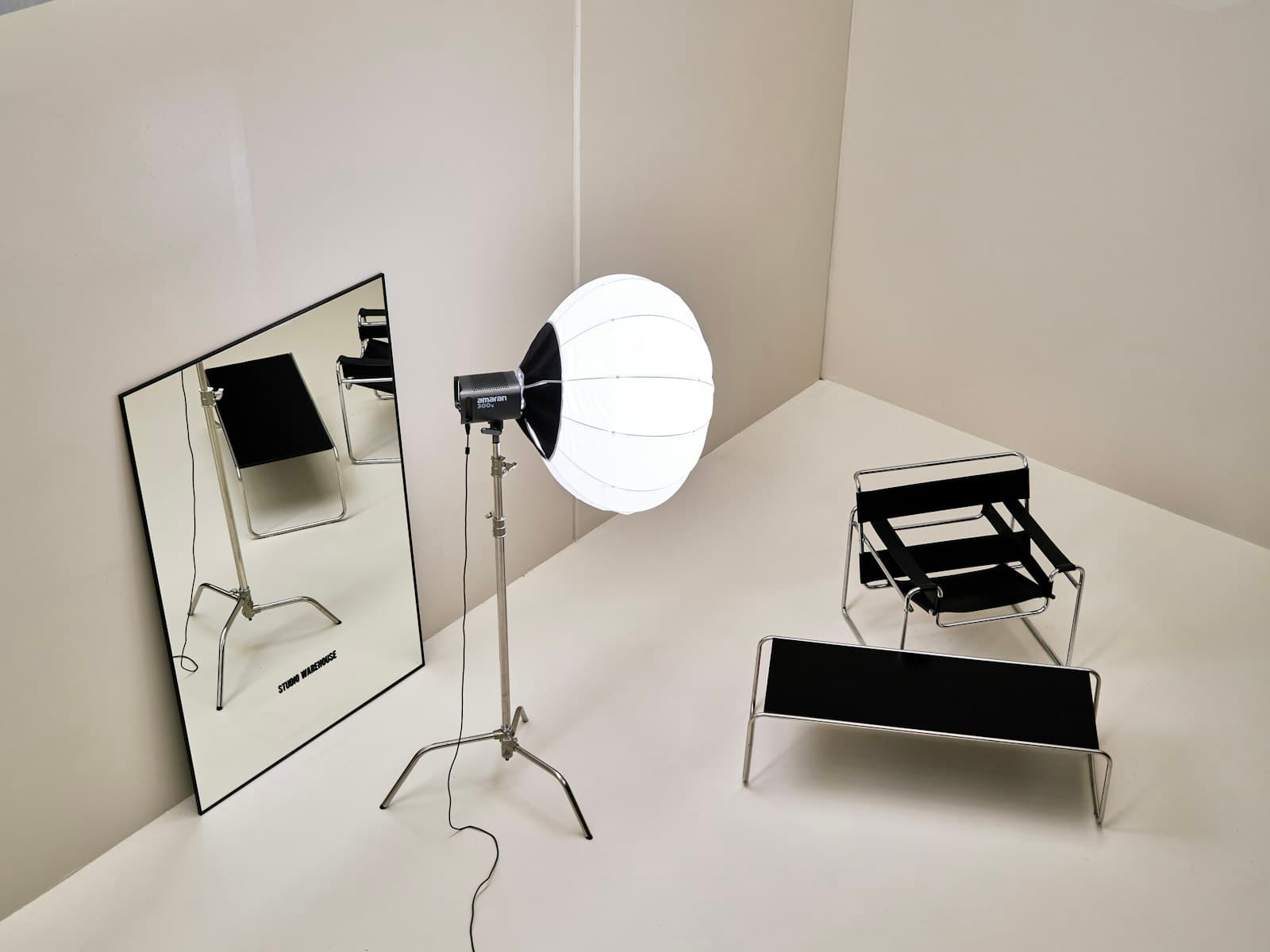
A proper product shoot means renting studio time, hiring a photographer, shipping samples, and waiting for edits — easily four figures for a single product line, repeated every time you launch a variant. So most small sellers do the other thing: a phone photo on the kitchen table, which quietly costs sales every day it stays on the listing. AI product photography exists for exactly this gap. You describe or upload the product, and the generator produces the studio version — seamless background, softbox lighting, true reflections — without anyone booking a studio.
Here's how to get results clean enough to publish, and where the technique has hard limits you should know before relying on it.
How does AI product photography actually work?
There are two workflows, and picking the right one matters more than any prompt trick.
Describe the product when the product is generic or you're mocking up something that doesn't exist yet — packaging concepts, pitch decks, ad explorations. A prompt like matte black thermos bottle, studio product shot, seamless light gray background, soft shadow gives the model full creative control, and every generation invents a slightly different bottle. That's fine for concepts and fatal for listings.
Upload a reference photo when the product is real and must look like itself. Your kitchen-table phone photo becomes the input; the product photography style re-renders it with studio lighting and a clean background while preserving the product's actual shape, label, and color. This is the workflow for e-commerce, because the photo has to match what arrives in the box.
Either way, the style preset carries the photographic language — seamless sweep, softbox reflections, catalog framing — so your prompt only needs to describe this product and this scene.
What should the prompt say?
Product photography is a genre with rules, and prompts that follow them look professional by default. Cover four things:
- Surface:
on white marble,on brushed concrete,floating on seamless white - Lighting:
soft diffused studio lightingfor the standard catalog look,hard directional light with sharp shadowfor the editorial look - Angle:
straight-on eye levelfor hero shots,45-degree anglefor the versatile default,top-down flat layfor accessories - Mood extras, sparingly:
water droplets,scattered coffee beans,single green leaf— one prop, not five
A complete prompt reads like a shot brief: perfume bottle on wet black slate, soft window light from the right, straight-on, minimal, dark background. Short, concrete, no adjectives about the brand's soul.
Generate in batches in the image generator — lighting interpretation varies between generations, and the second-best composition is often the best listing image. For picky cases, a negative prompt (text, extra labels, warped logo, clutter) cleans up recurring artifacts; our negative prompts guide covers when that helps and when it backfires.
Where do AI product photos go wrong?
Three failure modes account for nearly every unusable generation.
Text and logos warp. Models still struggle with small printed text, so a label that reads "ORGANIC HONEY" can come back as plausible gibberish. For products where the label is the product — food, cosmetics, supplements — generate the scene and lighting you want, then composite your real label in an editor. Ten minutes of compositing beats fifty regenerations.
Physics drifts. Reflections that don't match the object, shadows falling two directions at once, glass refracting nothing. These are batch problems: generate four, and usually at least two get the physics right. Inspect reflections before publishing; viewers notice wrongness before they can name it.
The product mutates. Extra seams, a fourth buckle, a lid that doesn't exist. This is why the reference-photo workflow matters for real products — and why you should always compare the output against the reference before it goes anywhere near a listing. An AI image that misrepresents the physical product isn't a shortcut, it's a returns problem.
Is this good enough to replace a photographer?
For hero shots on seamless backgrounds, lifestyle context scenes, and ad creative variations — yes, and the economics aren't close. For product photography that carries legal weight (exact color matching for cosmetics, scale-accurate furniture shots) or for products whose fine texture is the selling point, a real photographer still earns the fee. The honest workflow most sellers land on: AI for the ten context and ad images, one real photo session for the two images that must be ground truth.
The same skills transfer beyond physical products, too — app screenshots framed on devices, book covers on desks, digital goods that need a "physical" presence. Anything that benefits from looking professionally photographed is in scope, and the 3D render style covers the cases where you want the polished mockup look instead of realism.
Shoot your first product
Take one product, photograph it near a window on any plain surface, and upload it to the playground with the product photography style. Prompt the surface, the light, and the angle — nothing else — and generate a batch of four. You'll have a listing-ready hero shot in one round, and a repeatable setup for every product after it.