
The hardest part of AI video isn't the tool — it's staring at an empty prompt box knowing that this generation costs more than an image and takes longer to come back. Vague prompts hurt twice as much in video, so it pays to start from something that already works.
Here are ten anime video prompts you can paste into Imageny's video generator as-is, or adapt by swapping the bracketed parts. Each follows the same skeleton: subject + action + setting + style + camera + atmosphere. The action verb is the load-bearing word — video models need something to animate, and prompts without motion produce awkward near-still footage. For the full theory, see our text-to-video guide; this post is the practice.
Atmosphere and mood loops
These are the easiest wins — simple motion, forgiving of small artifacts, ideal first generations.
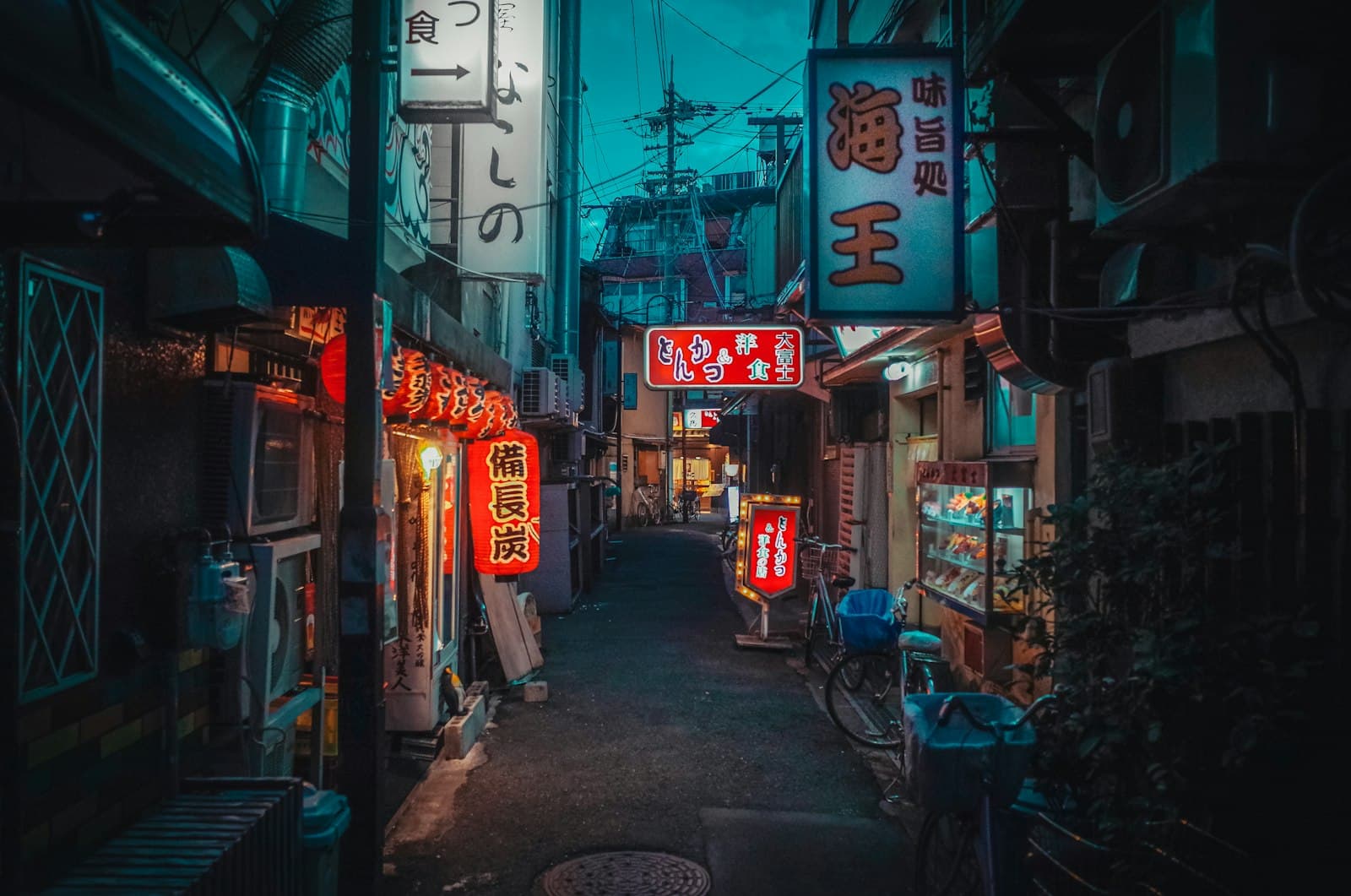
1. Rain on a neon street
a girl in a yellow raincoat walking slowly through a neon-lit alley at night, anime style, rain falling, puddle reflections shimmering, camera tracking slowly behind her, moody cinematic atmosphere
Rain is a gift to video models: constant, ambient motion that makes the whole frame feel alive without demanding precise character animation.
2. Sakura petals over a schoolyard
cherry blossom petals drifting across an empty school courtyard at golden hour, anime background art style, gentle breeze, soft warm light, slow panning shot, nostalgic mood
No character at all — which means nothing to go off-model. Environment-only prompts have the highest success rate in anime video.
3. Rooftop city gaze
a boy standing on a rooftop at dusk watching city lights turn on below, anime style, wind moving his jacket and hair, wide establishing shot slowly pushing in, melancholic tone
"Wind moving his jacket and hair" gives the model a small, safe motion assignment instead of a risky full-body one.
Character moments
4. The slow turn
close-up of a silver-haired anime girl turning her head toward the camera, surprised expression forming, soft window light, shallow depth of field, subtle hair movement
One deliberate motion, tightly framed. Single-action prompts like this fail far less often than "she runs, jumps, and draws her sword" — one verb per generation is the rule.
5. Powering up
an anime warrior clenching his fist as glowing blue energy swirls around him, aura particles rising, dramatic low angle, dark background, intense lighting, energy crackling
Particle effects — aura, embers, sparks — animate beautifully and hide imperfections in the character underneath.
6. Quiet café study session
a girl studying by a café window, anime slice-of-life style, steam rising from her coffee, rain streaking the glass behind her, warm interior light, static camera, cozy atmosphere
Three independent motion layers (steam, rain, ambient light) make a static scene feel rich. Slice-of-life clips loop naturally for backgrounds and streams.
Action and spectacle
7. The mecha reveal
a giant mecha powering on in a dark hangar, eyes lighting up, steam venting from joints, camera tilting up from feet to head, industrial lighting, epic scale
The camera does the acting here. A tilt-up over a mostly stationary subject reads as cinematic while asking very little of the model. Pair it with looks from the mecha style page.
8. Cyberpunk chase glimpse
a hooded figure sprinting through a crowded cyberpunk market at night, neon signs blurring past, camera tracking alongside, motion blur, rain-slick streets, high energy
Running is the hardest thing on this list — legs are where video models struggle. The motion blur and tracking camera are doing deliberate cover work. Expect to generate this one a few times.
Transformation and transitions
9. Season shift
a single tree on a hill as the scene transitions from summer green to autumn red, leaves changing color and falling, anime background art, fixed camera, time-lapse feel
Gradual state changes ("transitions from X to Y") are a distinct prompt pattern models handle surprisingly well — great for intros and montage beats.
10. Photo to motion
Already have a favorite generated image? Skip text-to-video: feed the image itself into the video generator and describe only the motion — gentle wind, hair and clothes swaying, drifting clouds, subtle parallax. Starting from an image locks the character design completely; our image-to-video guide covers this workflow end to end.
How do you adapt these without breaking them?
Swap nouns freely; change structure carefully. Replace the girl in the raincoat with your own character, the alley with a shrine — the prompt still works, because the skeleton (one clear action, a motion source, an explicit camera direction) is what carries it. What breaks prompts is stacking actions ("walks, then stops, then looks up") or leaving motion out entirely. When a result disappoints, don't rewrite from scratch — remove one ambition and rerun. And use the negative prompt field for recurring artifacts: blurry, distorted hands, morphing, text covers most of them.
Pick one and run it
Copy prompt 1, 2, or 6 — the forgiving ones — into the video generator, watch what comes back, then swap in your own character and setting. Ten minutes of adapting a working prompt beats an hour of staring at an empty box.
Cover photo by masahiro miyagi on Unsplash.