
Anyone can bolt a name onto a chatbot. A character worth talking to — one with a voice you'd recognize in three messages — takes about twenty minutes of deliberate setup. This guide walks through that setup on Imageny Characters, and the persona-writing techniques that make the difference.
What do I need to create an AI character?
Four things, all built into the character creator:
- A portrait — generate one in the playground (the prompt guide covers character portraits) or pick any image from your gallery.
- An identity — name, age (18+), and where they're from. Small details do outsized work: "a ramen chef from Sapporo" already implies a vocabulary.
- A personality description — the core of the character; more below.
- A greeting message — the first thing they say, which sets the tone for every conversation that follows.
Characters can be private or published for the community to discover.
How do I write a personality that doesn't feel generic?
The personality description is instructions for how your character thinks and speaks. Three techniques separate flat characters from ones that feel alive:
Give them wants, not just traits. "Cheerful and kind" produces a greeting-card bot. "Desperately wants to be taken seriously as a poet, gets defensive when teased about it" produces conversation. A want gives every reply a direction.
Write speech patterns, not adjectives. Instead of "she is sarcastic," write "she deflects sincerity with dry one-liners, but drops the act when someone is genuinely upset." You're describing behavior the model can imitate, not a label it has to interpret.
Add one contradiction. A fearsome mercenary who fusses over stray cats. A genius scientist who is hopeless at small talk. Contradictions are memorable because they create tension the character has to navigate in conversation.
Keep it to a few focused paragraphs. A page of lore dilutes the voice; five sharp behavioral rules beat fifty biographical facts.
What makes a good greeting message?
The greeting is your character's first impression and the model's strongest example of their voice. Make it do three jobs:
- Establish the scene — where are they, what are they doing?
- Demonstrate the voice — if they're sarcastic, the greeting is sarcastic.
- Hand the user a hook — end with something easy to respond to: a question, an accusation, an invitation.
"You're late. The tea's gone cold, and I refuse to brew a third pot on principle. …Sit down anyway. Tell me what kept you."
That's a scene, a voice, and a hook in three lines.
Can I chat with ready-made characters instead?
Yes — if you'd rather start talking than start building, the chat templates are hand-tuned personas inspired by popular anime, ready in one click. They're also useful as reference: open one, note how its greeting establishes voice, and borrow the structure for your own build.
What can I do with a character after creating one?
- Chat — conversations powered by leading AI models, with your persona steering the voice
- Publish — share to the community directory with tags for discoverability
- Bring them to life — turn them into an animated pixel companion that follows you around the app
- Keep generating — reuse their portrait and description to produce consistent art of the same character
Build your first character
Generate a portrait, write a persona with one want and one contradiction, and give them a greeting with a hook. Twenty minutes from now you'll be mid-conversation. Start with your character's portrait →
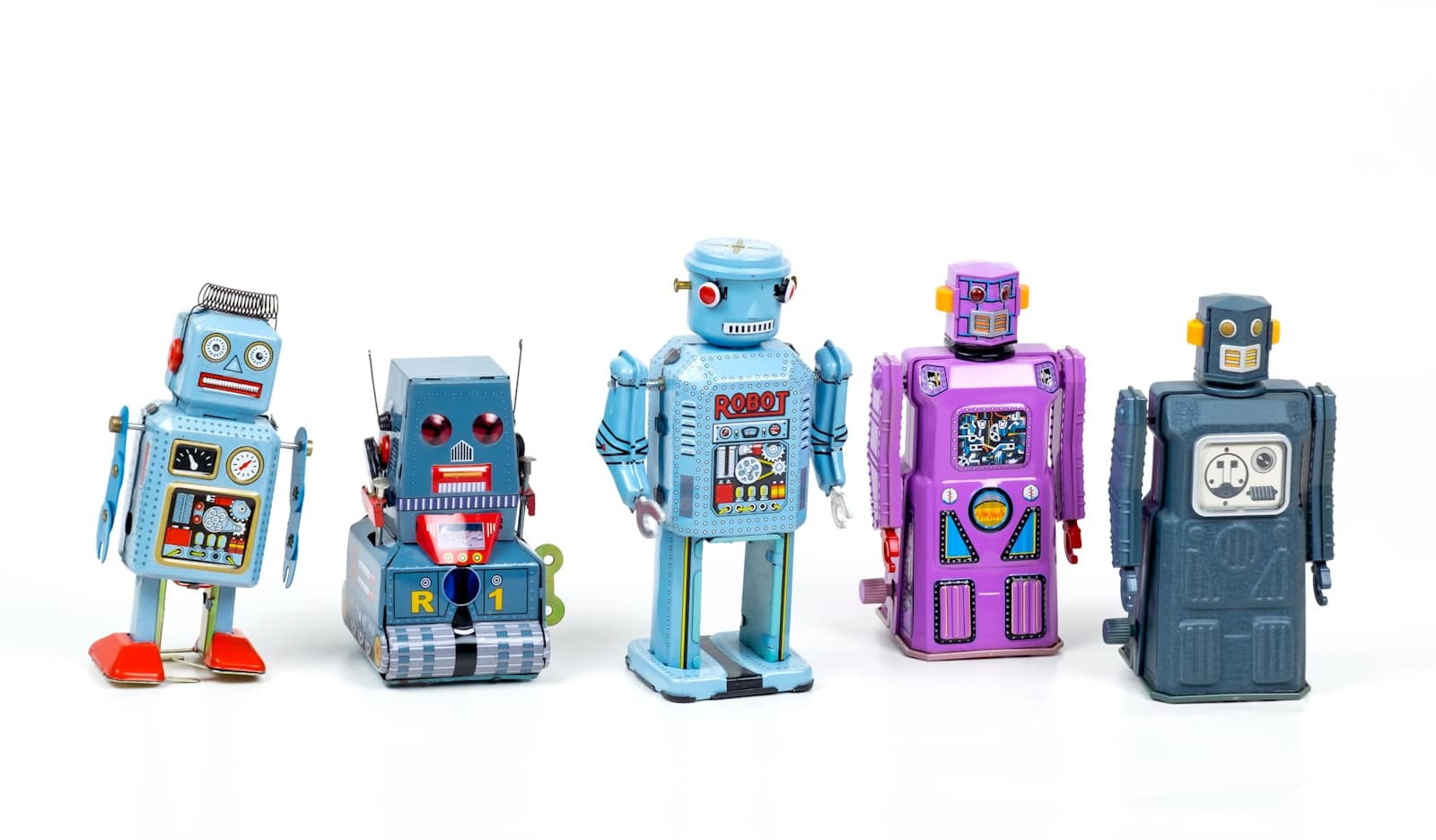
Cover photo by Eric Krull on Unsplash.