
Type "90s anime style" into a generator and you'll usually get modern anime with a sepia filter — glossy digital shading, hyper-clean lines, and none of the texture that makes a retro frame feel like a retro frame. The problem isn't the model. It's that "90s anime" is shorthand for about six specific production techniques, and the model needs you to name them.
What actually makes anime look "90s"?
Anime from the 80s and 90s was painted on physical cels, shot on film, and broadcast at low resolution. Every step left fingerprints:
Cel shading with hard edges. Colors were painted flat inside inked outlines, so shadows are solid shapes with crisp borders — not the soft gradient shading of modern digital anime.
Muted, slightly desaturated palettes. Film stock and analog broadcast compressed color. Skies lean dusty blue, skin tones lean warm, and nothing glows the way modern digital color does.
Film grain and slight blur. Physical film added visible grain, and VHS or broadcast added softness. A frame that's too sharp instantly reads as modern.
Thicker, slightly uneven line work. Hand-inked outlines vary in weight, unlike the uniform digital strokes of today.
Dramatic single-source lighting. The era loved hard shadow shapes across faces, sunset backlighting, and moody night scenes lit by one street lamp.
When your prompt names these techniques instead of the decade, the output stops looking like a filter and starts looking like a production still.
What should a retro anime prompt include?
Build the prompt in three layers — era anchor, technique keywords, and scene:
190s anime style, retro anime film still, cel shading, muted colors,2film grain, [your scene], dramatic lighting
90s anime style, retro anime film still, cel shading, muted colors,film grain, [your scene], dramatic lighting
The phrase "film still" or "screencap" does surprising work: it tells the model you want a frame from a show — with composition, framing, and that broadcast softness — rather than a polished illustration about the 90s. Some worked examples:
90s anime style film still, cel shading, film grain, muted colors, a girl in a school uniform waiting on a rainy train platform at dusk, reflections on wet pavementretro anime screencap, 1980s OVA style, cel shading, grainy, a detective smoking under a neon sign, hard shadows, night city90s anime aesthetic, muted pastel palette, film grain, two friends on bicycles riding past summer rice fields, golden hour, lens flare
Note what's absent: "masterpiece," "best quality," "8k." Those keywords pull toward modern digital rendering — the exact thing you're trying to avoid. If results still come back too clean, add modern digital art, glossy, oversharpened to the negative prompt field; our negative prompts guide covers why exclusions work better there than in the main prompt.
Which subjects sell the retro look hardest?
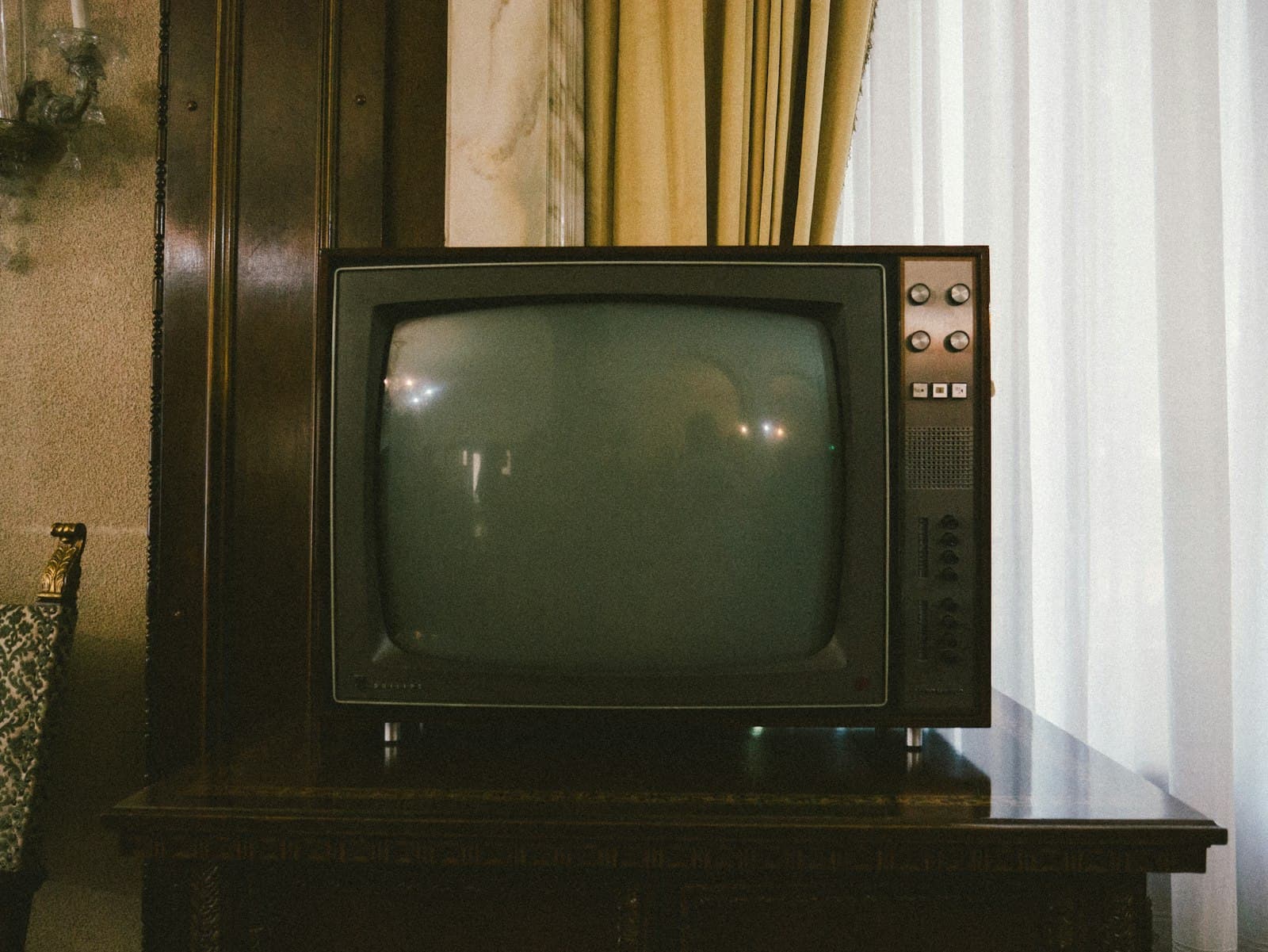
Style keywords set the rendering, but subject matter carries half the nostalgia. The 90s catalog had recurring furniture, and using it makes frames read as period-correct: city pop scenes with convertibles and sunset highways, school rooftops at golden hour, CRT televisions and payphones, mecha hangars, rainy noir alleys, and summer festivals with yukata and fireworks. A technically perfect retro rendering of someone holding a smartphone breaks the spell; the same rendering of someone at a payphone completes it.
For a deeper tour of how retro sits alongside other anime looks — and when you'd pick it over, say, watercolor or modern shonen — the anime art styles guide maps the whole landscape. The retro style page also keeps a running set of era keywords if you want a starting point you can modify rather than a blank prompt box.
Can you make retro anime videos too?
Yes, and motion is where the aesthetic gets interesting, because 90s anime moved differently — lower frame rates, held frames, dramatic pans across static backgrounds. In the video generator, the same technique keywords apply, plus motion cues that match the era: "slow pan across the city skyline," "hair moving gently in the wind, character otherwise still," "camera holds on her face as the train passes behind."
The most reliable workflow is two-step: generate the retro frame you want as an image first, iterate until the style lands, then animate that image rather than prompting a video from scratch. You get the cel-shaded look locked in before motion enters the equation, and image iterations cost less than video ones.
Start with one frame
Pick a scene from the subject list above — the rainy train platform is a forgiving first choice — and run the three-layer prompt in the playground. Compare the result against an actual 90s screencap and ask which of the six fingerprints is missing; add that keyword and rerun. Two or three iterations is usually all it takes before the frame stops looking like modern anime in costume and starts looking like something taped off late-night TV in 1994.
Cover photo by PJ Gal-Szabo on Unsplash.